
AI can generate G-code.
But can you trust it on your CNC machine?
Eureka MCP puts professional CNC simulation in the AI loop.
Your AI agent can simulate its program on the CNC digital twin, read the results, correct it and try again before the code reaches the real machine.
Eureka3X is the simulator. Eureka MCP puts it in your AI's loop.
No credit card required. Works with Claude, Cursor, VS Code and other MCP-compatible AI assistants.
Eureka MCP is in early access — activate your trial and request access from your dashboard.
Try Eureka MCP in three steps
Eureka3X is the CNC simulator. Eureka MCP is the free connector that puts it in your AI assistant's loop.
Start your 30-day free trial
Create your Eureka3X account and install the simulator. The Haas VF-2 digital twin is already set up — nothing to configure.
Request Eureka MCP access
From your dashboard, request early access. We enable a small number of shops each week.
Install and connect
Once you're enabled, download Eureka MCP from your dashboard and point Claude, Cursor or VS Code at it.
No credit card required · Requires Windows and a desktop MCP client (Claude Desktop, Cursor, VS Code)
Watch AI work with a real CNC digital twin
Two workflows,
one conversation
Whether G-code comes from your CAM, an AI-driven CAM workflow, or directly from the AI, Eureka verifies it before it reaches the machine.
AI + CAM → verified G-code
Use G-code from Fusion, Mastercam or any CAM system. The CAM can be operated normally or driven by an AI agent, for example through Fusion MCP. Eureka verifies the posted G-code on the CNC digital twin and returns simulation results to the AI.
AI writes G-code → Eureka verifies it
Let the AI create or modify G-code directly. Eureka verifies each iteration on the CNC digital twin and the AI can correct and re-simulate until the program is ready.
Get MCP access with
Eureka 3X Pro
MCP access is available to Eureka 3X Pro subscribers and trial users. Basic plan does not include MCP access.
- Full 3D simulation
- G-code editor & debugger
- Fusion 360 integration
- MCP / AI integration
- Collision detection
- CAD vs stock comparison
- Everything in Basic
- Full collision detection
- CAD vs stock comparison
- Automatic PDF reports
- MCP / AI integration ✨
Need more than 3-axis?
Eureka 3X is the easiest way to start with Eureka MCP on standard 3-axis milling machines.
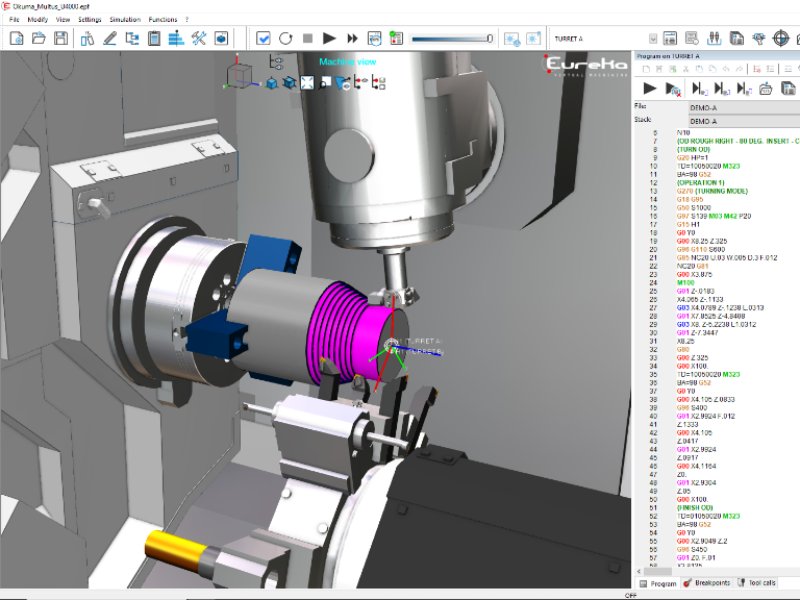
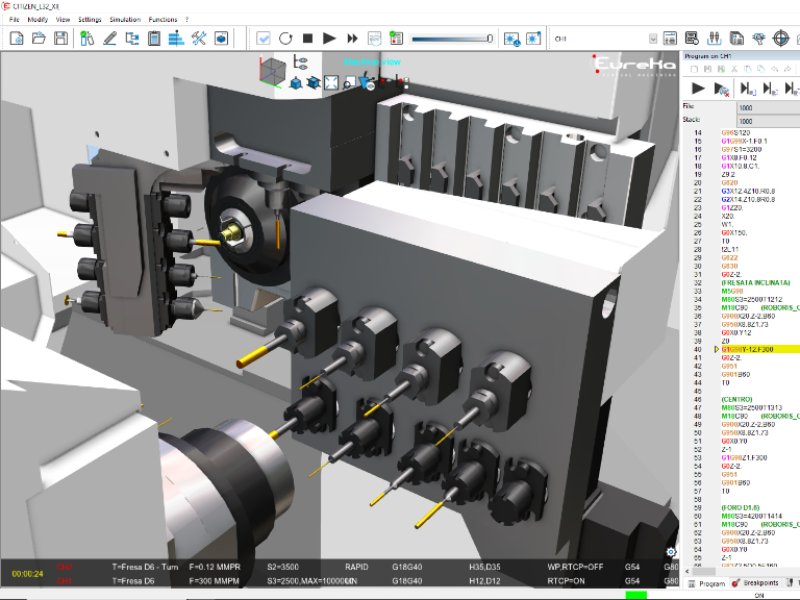
For 5-axis machining centers, mill-turn, Swiss-type CNCs and other advanced machine configurations, Eureka MCP can be used with a commercial Eureka G-Code license.
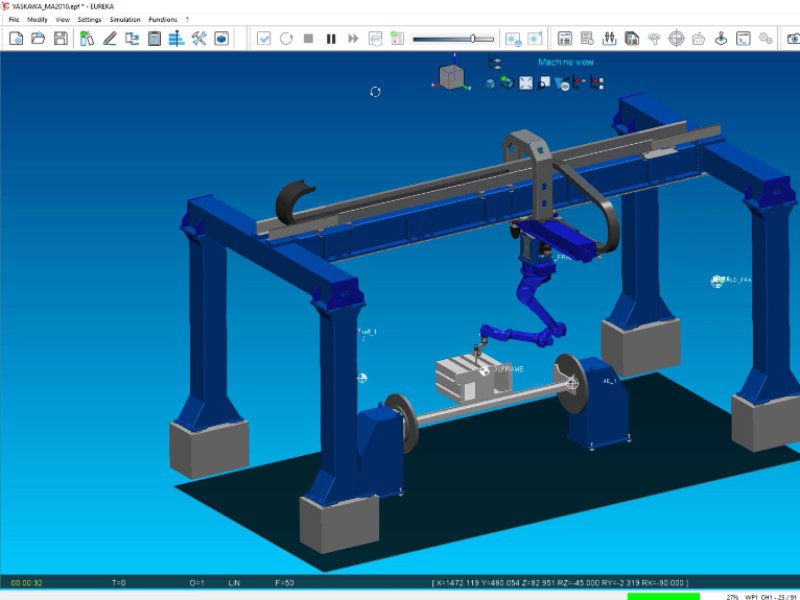
Eureka MCP can also work with Eureka Robot for industrial robot programming and simulation.
Ready to simulate G-code with your AI assistant?
Create your Eureka3X account, activate the 30-day trial, then request Eureka MCP access from your dashboard.
Start your 30-day free trial