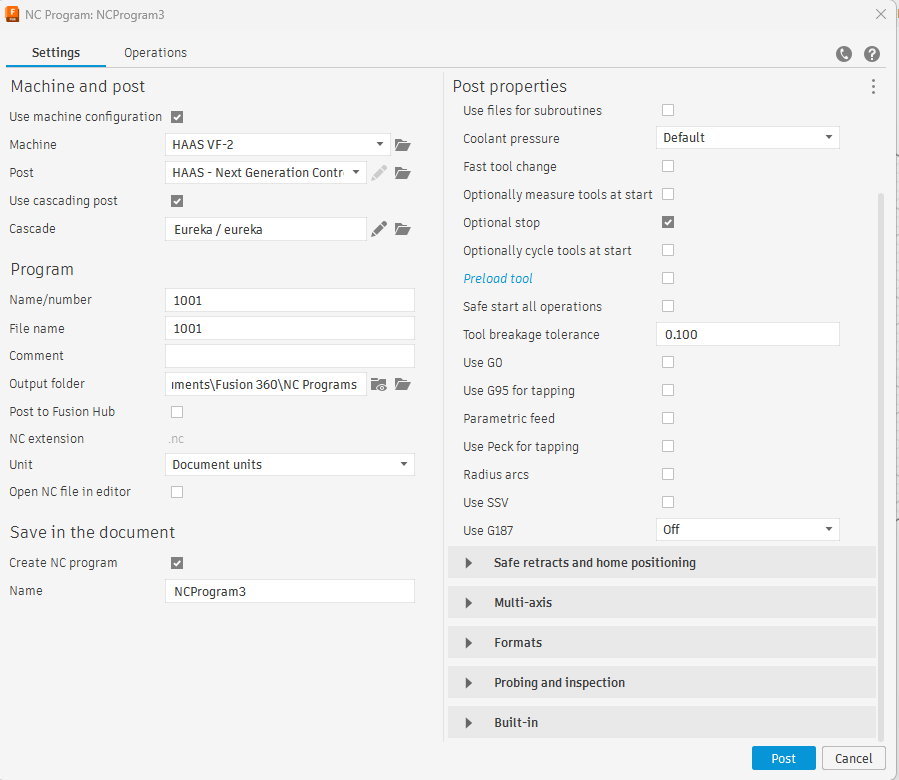
Interfacing Fusion360 with Eureka3X
Step-by-step instructions for installing and configuring the Eureka add-in for Fusion360.
The plugin works for all products and modules of the Eureka Virtual Machining suite: Eureka3X, Eureka GCode, Eureka NCCoder, Eureka Chronos and Eureka Robot.
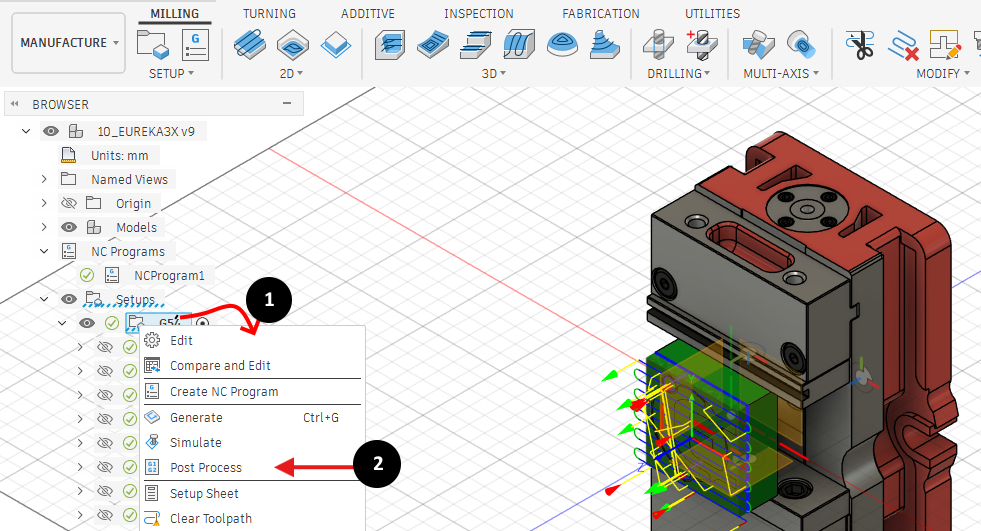
When you are ready to export the toolpath from Fusion360, right click on one setup item in the manufacture browser tree to access the context menu.
Select "Post Process"
Flag the "Use cascading post" checkbox
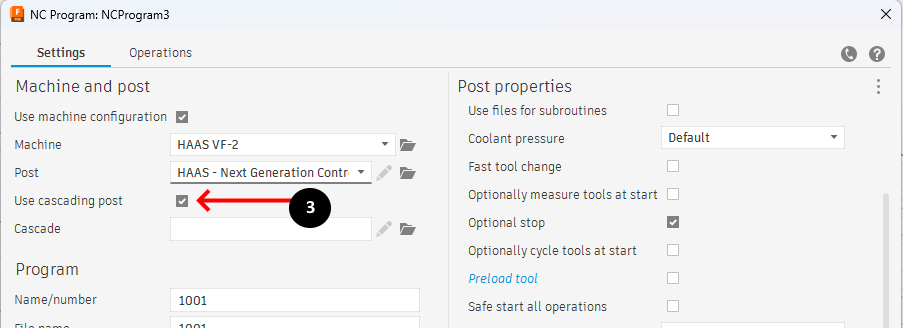
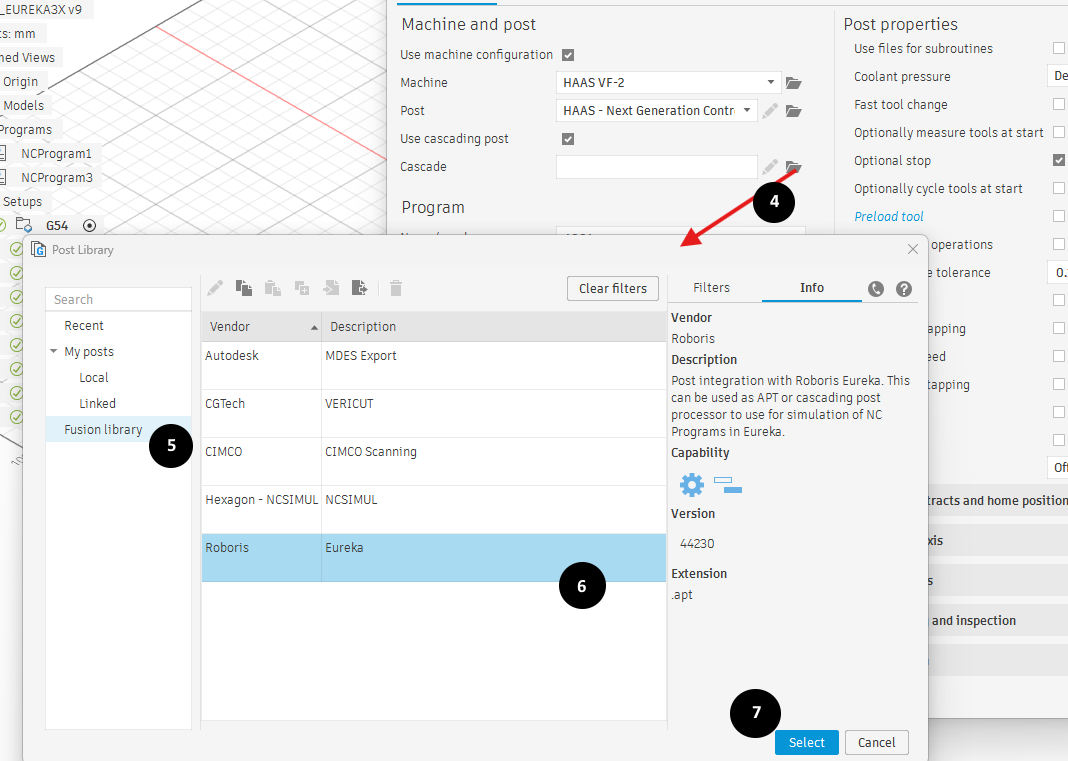
Click on the folder icon to select the cascade post
Select "Fusion library" on the left panel to pick the Eureka post available in the official Autodesk portal
Select the Eureka post
Confirm the choice
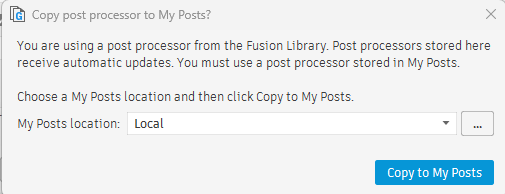
Confirm to copy to the local MyPosts location
Configure the Fusion post as you like to program the selected machine
Click Post to proceed. Fusion will generate the NC output and will call Eureka